"Is This Really My Voice?" How to Clone Your Voice with AI
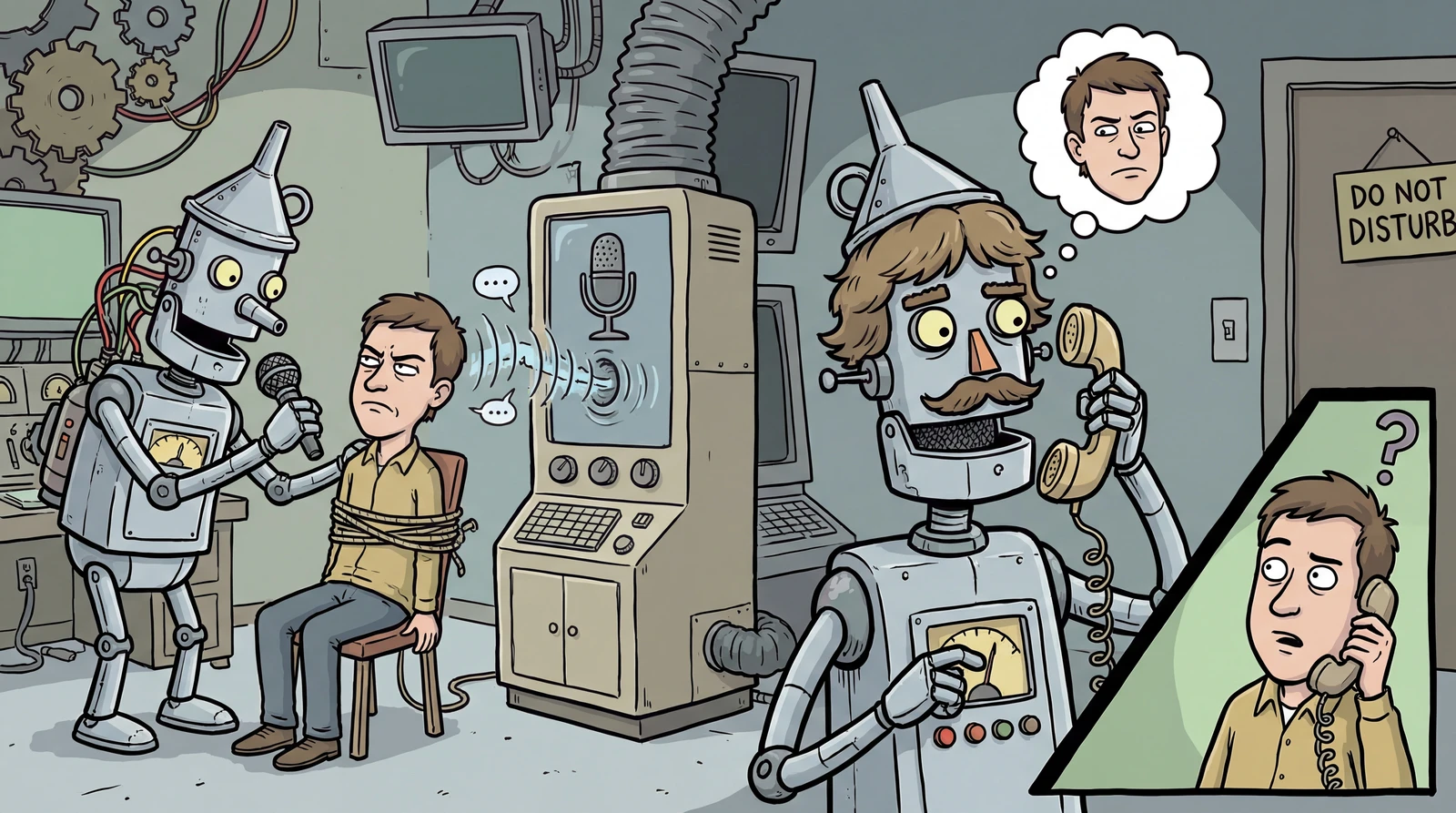
Have you ever watched a YouTube video or scrolled through social media and heard a voice so natural you couldn't tell if it was AI or human?
We're now living in an era where you can create and use your own AI voice. There are many AI tools for generating and cloning voices, but today we'll dive into the most well-known one — ElevenLabs — and walk through exactly how it works.
listContentsexpand_more
- 1. What is ElevenLabs?
- 2. What is Voice Cloning?
- 2-1. How It Works
- 2-2. Types of Voice Cloning (ElevenLabs)
- 3. ElevenLabs Pricing
- 4. Before You Start: Preparation
- Step 1. Sign Up & Choose a Plan
- Step 2. Prepare Your Audio Sample
- 5. Cloning Your Voice
- 5-1. Instant Voice Cloning
- 5-2. Professional Voice Cloning
- 6. Using Your Cloned Voice
- 7. Important Notes & Ethical Use
- 8. References
1. What is ElevenLabs?
ElevenLabs is an AI voice synthesis platform founded in London in 2022.
It started as a TTS (Text-to-Speech) service, but has since expanded to offer a wide range of AI-powered audio tools.
-
Text to Speech (TTS) — Convert text into natural-sounding speech (supports 32 languages)
-
Voice Cloning — Clone a voice from a short audio sample (Instant / Professional)
-
AI Dubbing — Automatically dub video content into other languages
-
Conversational AI — Build AI agents capable of real-time voice conversations
-
AI Music — Generate music from text
-
Sound Effects (SFX) — Generate sound effects from text
-
Scribe (STT) — Convert speech to text
The latest Eleven v3 model (2026) features an Expressive Mode that captures emotion, stress, and breathing based on context, delivering notably improved accuracy and emotional nuance compared to previous versions.
2. What is Voice Cloning?
Voice Cloning is a technology where AI learns the characteristics of a person's voice and creates a digital replica.
Once cloned, you can input any text and the AI will generate speech that sounds just like you — even for sentences you've never actually spoken.
2-1. How It Works
-
Analyze voice characteristics — The AI listens to your recording and extracts unique features such as pitch, speed, pronunciation habits, and tone.
-
Train the AI — These features are fed into an AI voice synthesis model, which learns the pattern of your voice.
-
Generate new speech in your voice — From that point on, any text you input will be converted to speech using your voice pattern — even sentences you've never said.
2-2. Types of Voice Cloning (ElevenLabs)
| Instant Voice Cloning | Professional Voice Cloning | |
|---|---|---|
| Audio required | 1–5 minutes | 30+ minutes (1–3 hours recommended) |
| Processing time | A few seconds | English ~3 hrs / Multilingual ~6 hrs |
| Quality | High (based on existing model) | Best (dedicated fine-tuning) |
| Accent/Intonation | Standard accents | Even unique accents reproduced accurately |
| Plan required | Starter ($5/mo) or above | Creator ($22/mo) or above |
| Number of clones | Varies by plan | Max 1 |
3. ElevenLabs Pricing
A paid plan is required to use voice cloning.
| Plan | Monthly | Audio Generation | Voice Cloning | Clones |
|---|---|---|---|---|
| Free | $0 | ~10 min | ❌ Not available | 3 |
| Starter | $5 | ~30 min | ✅ Instant only | 10 |
| Creator | $22 | ~100 min | ✅ Instant + Pro | 30 (Pro: 1) |
| Pro | $99 | ~500 min | ✅ Instant + Pro | 160 (Pro: 1) |
4. Before You Start: Preparation
Let's go through the voice cloning process step by step!
Step 1. Sign Up & Choose a Plan
-
Go to elevenlabs.io
-
Click Sign up → Register with your email or Google/GitHub account
-
Subscribe to Starter or above (Professional Voice Cloning requires Creator plan)
Step 2. Prepare Your Audio Sample
The golden rule for a great clone is simple: clean, consistent audio.
① Recording Environment:
-
🏠 Quiet space — Somewhere with no echo or reverb (a small room, closet, or even under a blanket works!)
-
🎤 Microphone — Professional gear isn't required. A smartphone works, but a USB condenser mic (e.g., Audio-Technica AT2020, Blue Yeti) is recommended.
-
🛡️ Pop filter — Helps reduce plosive sounds like “p” and “b”
-
💻 Recording software — The app that came with your mic, or your phone's default voice recorder
② Recording Tips:
-
Keep the mic about 20cm (8 inches) away
-
File format: WAV or MP3 (44.1kHz / 24-bit or higher recommended)
-
Minimize background noise — no BGM, AC hum, or keyboard sounds
-
Keep a consistent tone — Don't mix emotions or intonations within a single recording
-
Reduce fillers like “um” and “uh”, but don't overthink it — stay natural
-
Vary sentence length and intonation for better results
③ Audio Length:
-
Instant Voice Cloning: 1–5 minutes is sufficient
-
Professional Voice Cloning: At least 30 minutes; ideally 1–3 hours
5. Cloning Your Voice
5-1. Instant Voice Cloning
-
In the ElevenLabs dashboard, click the Voices tab
-
Click Create Voice → Select Instant Voice Clone
-
Upload an audio file or record directly in the browser
-
Enter a name for the voice
-
Click the Create button
-
Your cloned voice is ready almost instantly
5-2. Professional Voice Cloning
For a more precise, lifelike clone, choose this option.
-
In the ElevenLabs dashboard, click the Voices tab
-
Click Create Voice → Select Professional Voice Clone
-
Upload your high-quality audio file (30 min – 3 hours)
-
After uploading, use the Audio Settings button to remove background noise or separate speakers
-
Voice Verification: Read a short sentence using the same equipment and tone as your uploaded sample to verify your identity
-
Wait for fine-tuning to complete (English ~3 hours, multilingual ~6 hours)
-
Track progress in the Voices → My Voices tab — you'll receive a notification when done
6. Using Your Cloned Voice
Once cloning is complete, it's time to generate audio in your own voice.
-
Go to the Text to Speech page
-
Select your newly created voice from the Voice dropdown
-
Type the text you want the AI to read
-
Click Generate speech → The AI produces audio in your voice
-
Preview the audio and download
Note: Cloned voices aren't always 100% identical to the original. Subtle differences in intonation or emotion may occur, and quality can vary based on text length and structure. If the result feels off, try tweaking these settings:
| Setting | Role | Tip |
|---|---|---|
| Speed | Playback speed | Adjust speech rate. Extreme values may reduce quality. |
| Stability | Consistency | Higher = more consistent but monotone. Lower = more expressive but less stable. |
| Similarity | Likeness to original | Higher = closer to original but more noise. Start around 0.75. |
| Style Exaggeration | Degree of stylistic emphasis | Start at 0 and gradually increase to find the sweet spot. |
| Speaker Boost | Enhances speaker characteristics | ON makes the original voice clearer, but too high can sound unnatural. |
7. Important Notes & Ethical Use
CAUTION
⚠️ Cloning someone else's voice without permission is illegal.
ElevenLabs requires identity verification, and unauthorized use may result in account suspension or legal action. Please use responsibly.
-
✅ Only clone your own voice
-
✅ Only use voices you have explicit permission to use
-
✅ Starter plans and above include a Commercial License — you can freely use generated audio for YouTube, podcasts, ads, and other commercial content
-
❌ Do not use for deepfakes, fraud, or impersonation
-
❌ Do not create hateful or violent content
8. References
NOTE
Information in this article is current as of March 2026.
For the latest pricing and features, visit the official site.