Fake or Real? How Should We Use AI-Generated Content?
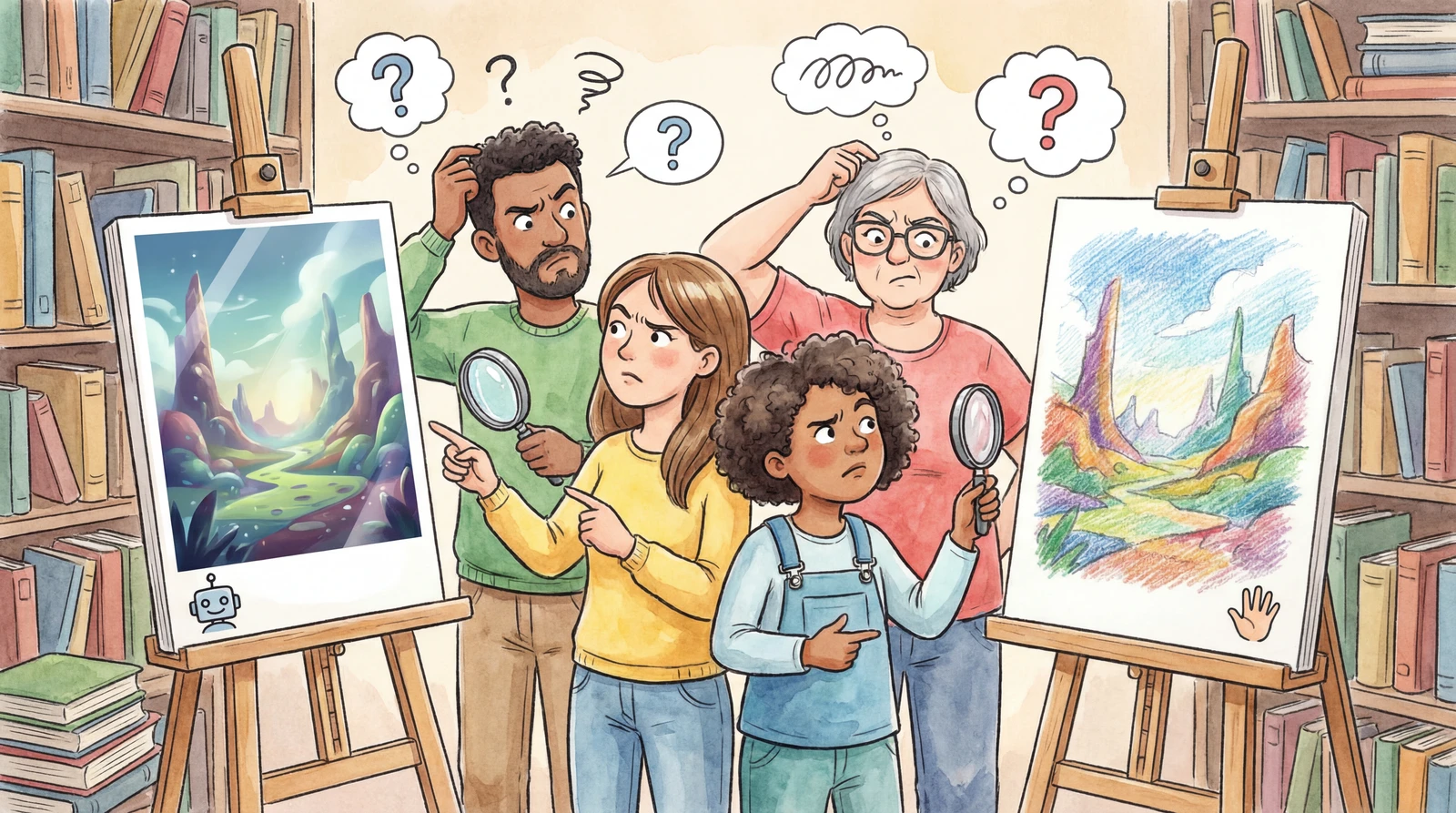
Have you ever scrolled through news or social media and thought, “Wait, did AI make this?”
AI-written articles, AI-generated images, AI-produced videos... We now live in an era where even experts struggle to tell the difference.
Today, we will skip the complicated tech talk and focus on the essentials of AI content — explained simply.
listContentsexpand_more
- Before We Begin: 3 Key Points
- 1. Why Do We Need to Identify AI Content?
- 2. Invisible Fingerprints: Watermarking
- 3. Can We Trust AI Detectors 100%?
- 4. Five Essential Habits for the AI Content Era
- ① Don't take anything at face value
- ② Cross-check and fact-check
- ③ Examine the context
- ④ Label the source and AI usage
- ⑤ Don't forget to check copyright
- Today's Summary
Before We Begin: 3 Key Points
-
Identifying AI content is essential for fighting fake news and protecting creators
-
Technologies like “watermarking” and “AI detectors” exist, but they are not perfect yet
-
Ultimately, our strongest weapon is our own critical thinking
1. Why Do We Need to Identify AI Content?
Having AI write text or create images for us is incredibly convenient.
But if we don't know who made it and how, problems can arise.
| Situation | Why is it a problem? |
|---|---|
| Fake News | AI can create convincing false information and spread it widely |
| Creator Rights | We need to distinguish between work someone spent days creating and something AI produced in seconds, so creators can be fairly compensated |
| Education & Ethics | Students might use AI to do their homework, and important documents need to be verified as human-authored |
For AI and humans to coexist well, we need a safety mechanism called “transparency.”
Trust is only possible when we can tell who created what.
NOTE
KNOW — The core of identifying AI content is “trust”
Distinguishing real from fake is not a technology problem — it is a trust problem.
A healthy information ecosystem can only be sustained when we can answer the question: “Can I trust this information?”
2. Invisible Fingerprints: Watermarking
When you hold a banknote up to the light, a hidden image appears — it is a feature designed to prevent counterfeiting.
A similar technology is used in the AI world.
| Method | In simple terms | Pros | Cons |
|---|---|---|---|
| Embedding in content (e.g., Google SynthID) | Subtly adjusting image pixels or word choices in text at an invisible level, leaving an “AI fingerprint” | The fingerprint survives even after cropping or color adjustments | Not all AI services support this |
| Attaching a tag (e.g., Adobe C2PA metadata) | Attaching a “digital receipt” to a file that records who created it, when, and with what tool | Provides detailed provenance information | Easily stripped by screenshots or file conversions |
3. Can We Trust AI Detectors 100%?
“So, can't we just run it through an AI detector and catch it right away?”
The short answer: No, not yet.
-
Low accuracy: Text detector accuracy is typically 60–85%. Images are relatively easier to detect, but text — especially in non-English languages — is much harder.
-
Easy to bypass: Simply changing a few words in AI-written text or running it through a translator can fool the detector into saying “human-written.”
-
False accusations: The biggest issue is when human-written text is mistakenly flagged as AI-generated. There have been multiple cases in the U.S. where students' original essays were suspected of being AI-written.
WARNING
NO — Don't blindly trust AI detectors
A detector is a “reference tool,” not an absolute judge.
Even if it says “likely AI-written,” that alone is not proof.
Likewise, a result saying “not AI” is no guarantee either.
4. Five Essential Habits for the AI Content Era
Technology will keep evolving, but a perfect shield does not exist yet.
As detection tech improves, so does generation tech.
Ultimately, the final judge is** **ourselves.
① Don't take anything at face value
Whether it is the result from an AI detector or a “not AI” tag, don't trust it 100%.
Any tool is merely a reference.
② Cross-check and fact-check
If you see a shocking news story or image, before sharing it, search for whether other credible outlets are covering the same story.
AI-generated text can contain inaccuracies (hallucinations), so always fact-check before using AI output as your final version.
③ Examine the context
Even without a technical fingerprint, that is okay. Asking yourself, “Does this situation make sense?” and “Is the logic in this text natural?” — this kind of critical thinking is the most powerful weapon.
④ Label the source and AI usage
If you create text or images using AI, clearly state “AI-assisted” or “Created with AI.” Being transparent is the first step in maintaining trust.
⑤ Don't forget to check copyright
Copyright for AI-generated content varies by country and service.
Before using it commercially, always review the terms of service of the AI tool you used. Also, since AI can produce results similar to existing works, always check for similarity to existing copyrighted works.
Today's Summary
-
Watermarks (like SynthID) embed invisible fingerprints in content, while C2PA metadata records creation history — both have limitations, so using them together is key
-
AI text detector accuracy sits at 60–85% and can be easily bypassed with word swaps or translations — detection results are clues, not verdicts
-
Technical tools + critical thinking (don't blindly trust, cross-check, examine context) + proper attribution and copyright compliance when using AI content — tools, habits, and ethics: build all three lines of defense!
NOTE
NOW — Ask AI directly
Pick a photo or piece of text from social media or the news today that makes you think, “Did AI make this?” Then toss it to an AI (ChatGPT, Gemini, etc.).
“Do you think this content was generated by AI? If so, what evidence supports that?”
As you read AI's answer, critically evaluate whether the reasoning is sound.
By learning how AI judges content, you can also pick up tips on creating content that feels more authentically human.