SSO (Single Sign-On) — One Account, Every Service
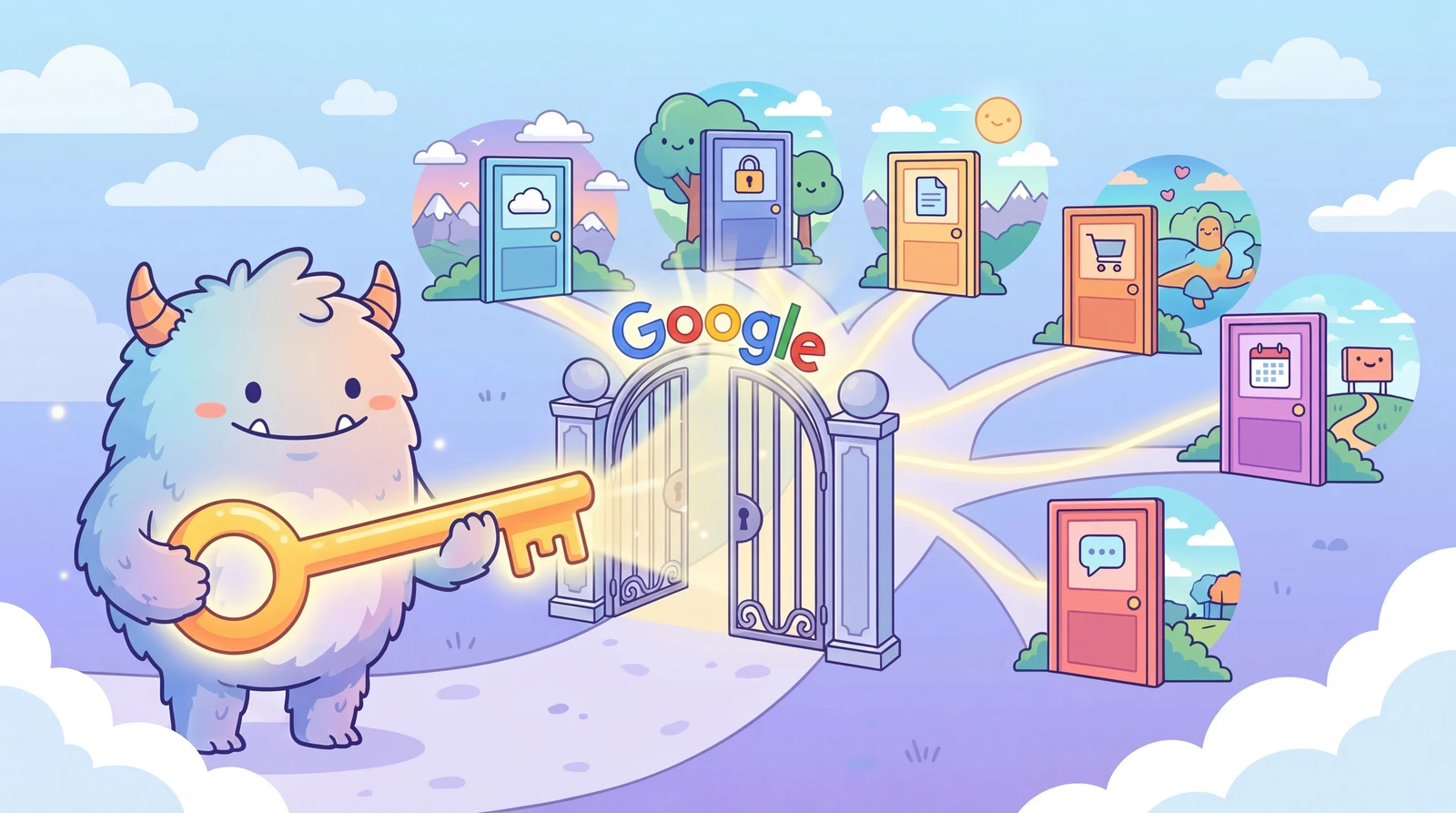
You've probably seen a “Sign in with Google” button on just about every site you visit.
But have you ever wondered — does clicking that button hand over your password? Where does your personal info actually go?
Today, we're unpacking SSO (Single Sign-On): something you use every day without a second thought.
Contents
- Three Things to Know Before We Start
- 1. So, What Is SSO?
- 2. Why Does SSO Matter?
- 3. How Does SSO Actually Work?
- Step-by-step: What Happens When You Click “Sign in with Google”
- 4. What Personal Data Actually Gets Shared?
- What gets passed to the service?
- Where does the data live?
- What's an auth token, anyway?
- 5. The Main Types of SSO
- 6. How KnowAI Uses SSO
- What that means for you
- Why we chose SSO
- 7. Watch Out for These SSO Pitfalls
- Your identity provider gets compromised
- Permissions that go way beyond “just log me in”
- Forgotten connections piling up
- 8. Quick Answers to Common Questions
- Summary
Three Things to Know Before We Start
-
SSO lets you access multiple services with a single account — no separate logins required
-
Your password is never shared with other services — only a “verified” signal is passed along
-
KnowAI uses SSO too, and this guide explains exactly how and why
1. So, What Is SSO?
SSO stands for Single Sign-On — log in once, get access everywhere.
More precisely: once you sign in, you can access all connected services without logging in again.
Think of it like a theme park.
-
Without SSO → you buy a separate ticket at the gate for every single ride 🎢🎟️🎟️🎟️
-
With SSO → one wristband at the entrance, and every ride is yours all day 🎢🎡✨
SSO is that wristband.
NOTE
KNOW — SSO is really about delegating trust
SSO isn't just a convenience feature. Instead of handing your password to every service you use, you trust one place (like Google) to vouch for you. Other services never see your password — they only receive a simple “identity confirmed” signal. That's the whole security model.
2. Why Does SSO Matter?
| Problem | Without SSO | With SSO |
|---|---|---|
| Password management | A different password for every service 😱 | One account handles everything |
| Security | Your password is stored across dozens of places 😨 | Your password never reaches other services |
| Convenience | Enter your username and password every single time | One click and you're in |
| Sign-up | Fill out a registration form for each service | One social login button and you're done |
3. How Does SSO Actually Work?
There are three players in every SSO flow:
-
① You — the person trying to use a service
-
② The Service Provider — the website or app you want to use (e.g., KnowAI)
-
③ The Identity Provider — the trusted third party that verifies who you are (e.g., Google, Apple)
Step-by-step: What Happens When You Click “Sign in with Google”
-
You visit KnowAI
-
You click “Sign in with Google”
-
You're redirected to Google's login page — not KnowAI's
-
You sign in with your Google credentials on Google's page
-
Google sends KnowAI a message: “This user is verified”
-
KnowAI accepts that and logs you in
The key point: your Google password never touches KnowAI. Google vouches for your identity — the password itself never leaves Google's side.
4. What Personal Data Actually Gets Shared?
This is where it gets interesting. Let's break it down.
What gets passed to the service?
Less than you probably think.
| What's shared | What's NOT shared |
|---|---|
| Email address | Your password ❌ |
| Display name | Your contacts ❌ |
| Profile photo (optional) | Your emails ❌ |
| User ID | Search history ❌ |
| Any other info you explicitly allow | Payment details ❌ |
You can always see exactly what's being shared on the consent screen — the “This app wants to access…” prompt that appears right after you click “Sign in with Google.” Always read it carefully.
Where does the data live?
-
Identity Provider side (e.g., Google)
- Holds your full account data (email, hashed password, profile, etc.)
- Keeps a log of which services you've signed into via SSO
- Your password is stored as a one-way hash — even Google employees can't see the original
-
Service side (e.g., KnowAI)
- Never receives or stores your password
- Only stores the basic profile info passed from Google (email, name, etc.)
- Manages your session using an auth token
What's an auth token, anyway?
Think of it as a digital day pass.
-
It has an expiry time — it stops working automatically after a set period
-
It's single-use by design, so even if it leaks, the damage window is tiny
-
It only works for one specific service, so it can't be reused elsewhere
NOTE
KNOW — Password vs. Token: The Key Difference
A leaked password stays dangerous until you change it. A token expires on its own, fast, and only works for one service. That's the core reason SSO is safer than handing your password to every app.
5. The Main Types of SSO
A quick rundown of what you'll encounter in the wild:
-
OAuth 2.0 / OpenID Connect (OIDC) — The consumer standard
- “Sign in with Google” and similar buttons all use this
- OAuth 2.0 = “I authorize this app to access my info”
- OIDC = OAuth 2.0 + identity verification on top
- Used everywhere from mobile apps to web platforms
- KnowAI uses this method
-
Social Login
- The consumer-friendly face of OAuth 2.0/OIDC
- Google, Apple, Facebook, X (formerly Twitter), and others
- The “just use Google” shortcut you reach for when signing up for a new app
-
SAML (Security Assertion Markup Language) — The enterprise standard
- Common in corporate IT environments
- One company account to rule them all: email, HR, project tools, etc.
- Older spec, but still deeply entrenched in enterprise setups
6. How KnowAI Uses SSO
KnowAI uses SSO to make signing in as smooth and secure as possible.
What that means for you
-
No account creation needed — Just use Google, Discord, GitHub, or another existing account
-
Password-free on our end — KnowAI never stores your password, period
-
Minimal data collection — We only request your email and display name from your provider
-
Battle-tested auth — All authentication runs through established providers like Google
Why we chose SSO
-
Better user experience — Skip the sign-up form, get straight to the content
-
Lower security risk — No password database to breach means one less attack surface
-
Built-in trust — We leverage the security infrastructure of major identity providers
7. Watch Out for These SSO Pitfalls
Your identity provider gets compromised
If your Google account is hacked, every SSO-connected service is potentially exposed — it's a single point of failure.
The fix: always enable two-factor authentication (2FA) on your identity provider account.
Permissions that go way beyond “just log me in”
Sometimes an app will ask for access to your contacts, emails, or other data that has nothing to do with logging in. Stop and read the consent screen. Only grant what's strictly necessary.
Forgotten connections piling up
In Google: Account Settings → Security → “Third-party apps with account access” — you'll see every service you've ever connected to. Revoke access for anything you no longer use.
WARNING
NO — SSO is powerful, but it concentrates your risk
The flip side of SSO's convenience is that one compromised account cascades across everything. If Google goes down, so does your access to every connected service. If your account is taken over, the blast radius is wide. Two-factor authentication isn't optional — it's essential.
8. Quick Answers to Common Questions
Q. If I use SSO, can Google see everything I do on KnowAI?
A. No. Google only knows you logged in. What you do inside KnowAI stays between you and KnowAI.
Q. What happens to my KnowAI account if I delete my Google account?
A. You won't be able to sign in via SSO anymore. Contact support to recover your account or set up an alternative login method.
Q. Is SSO the same as my browser saving my password?
A. Not at all.
Q. What exactly makes SSO more secure?
A. Three things:
Summary
-
SSO = one login, access everywhere
-
Your password never leaves your identity provider — tokens handle everything else
-
KnowAI uses SSO for both your convenience and your security
-
SSO's Achilles' heel is single-point-of-failure risk — 2FA on your Google account is non-negotiable
NOTE
NOW — Do This Today
Open Google Account Settings → Security → “Third-party apps with account access.”
You'll see a full list of services you've connected to via SSO.
Revoke anything you no longer use or don't recognize, and make sure 2-step verification is turned on.
Two steps. Five minutes. Meaningfully safer.